

Your website is live… so why isn’t Google sending you customers?
You built the website. Picked a nice template, wrote your services, added a contact form. Then you waited.
Weeks later, you check your analytics and see almost nothing. No calls, no form fills, no new client mentioning “I found you online.”
Here’s the truth: most small business websites don’t get found because Google doesn’t understand them well enough to recommend them. Not because the business isn’t good. Usually, it’s a handful of missing basics, the kind nobody tells you about when you’re just trying to get a site live.
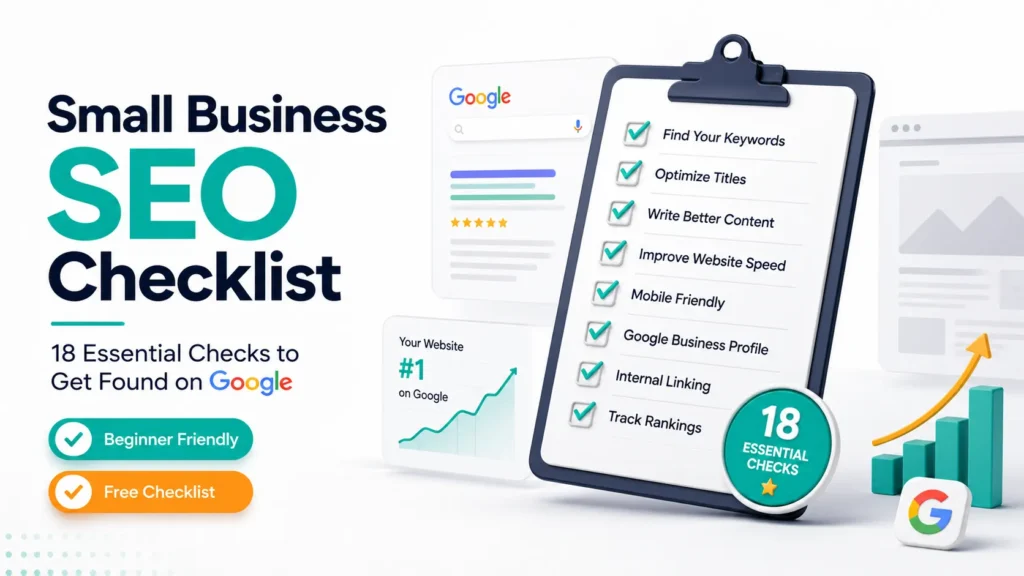
That’s what this beginner SEO checklist for small businesses is for. If you’ve read our Beginner SEO Guide, think of this as its hands-on companion, rather than an explanation of SEO concepts. This guide walks you through auditing your actual website, so you know exactly what to fix and in what order.
Open your website in another tab, and let’s go through it together.
Table of Contents
Before You Start
A few things to have ready:
- Access to your website (WordPress, Wix, Squarespace, Shopify, whatever you’re on)
- Google Search Console set up (free, and it’s how Google talks to you about your site)
- Google Analytics connected, so you can see if traffic is actually improving
- One primary keyword per page in mind. The exact phrase your ideal customer would search
You don’t need to fix everything today. Small businesses that win at SEO basics improve one thing at a time, consistently, rather than overhauling everything in a weekend.
The SEO Health Challenge
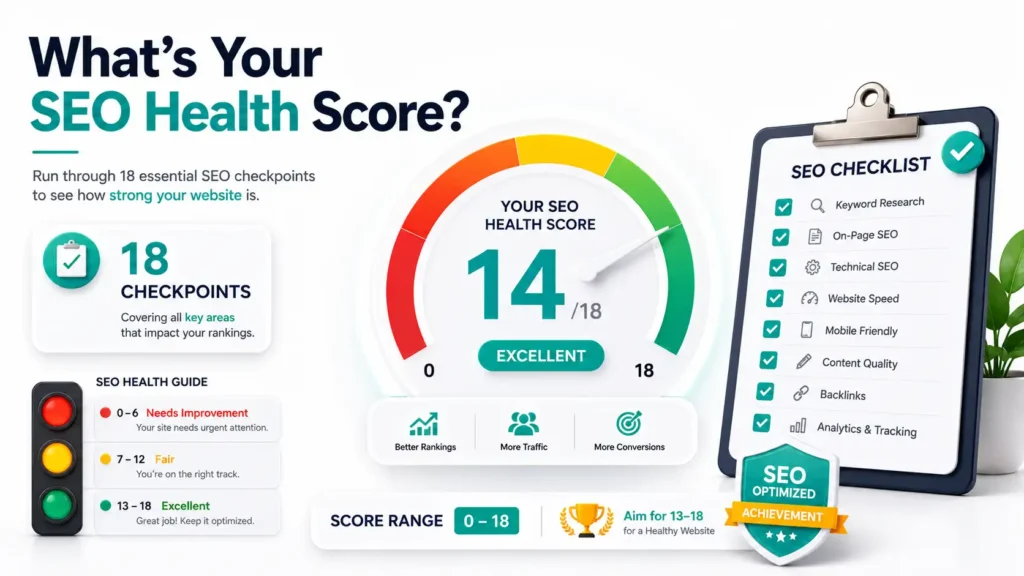
Here’s a fun way to work through this checklist: give yourself 1 point for every check you already have covered. There are 18 seo checklist total, so at the end, you’ll have a score out of 18, your SEO Health Score.
Be honest. This isn’t a test you can fail; it’s a map of where to focus next.
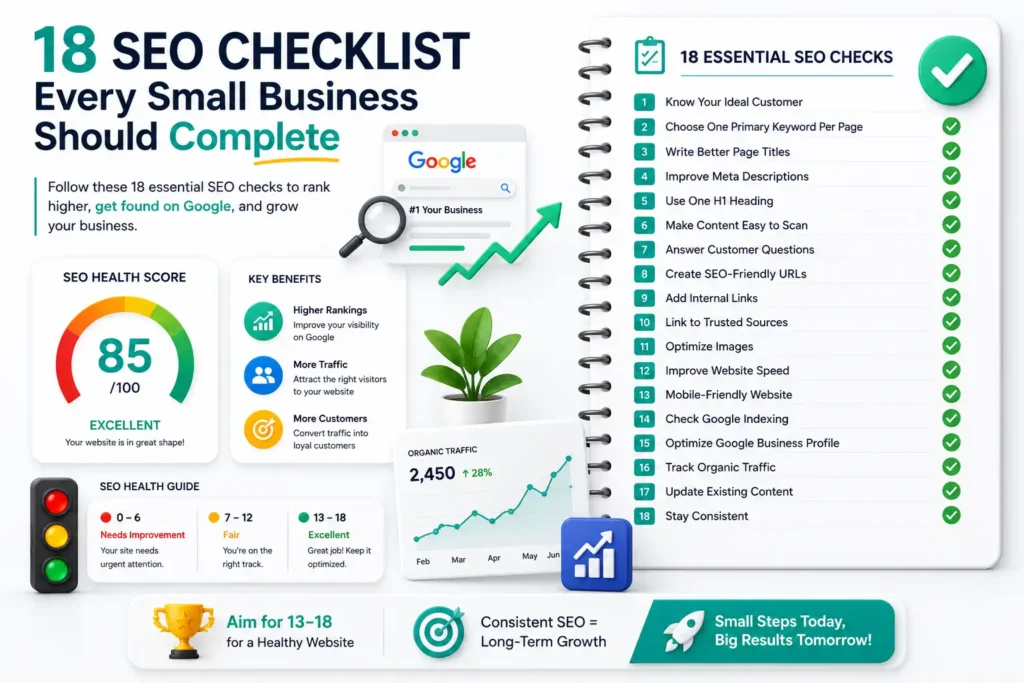
Beginner SEO Checklist: 18 Things to Check Right Now
Follow this Google SEO checklist from top to bottom. Each step builds on the previous one, making it easier to optimize your website without feeling overwhelmed.
1. Know Your Ideal Customer
Problem: Most small business content is written for “everyone,” so it resonates with no one.
Why It Matters: Google ranks pages that clearly match a specific searcher’s intent, not vague ones.
Quick Fix: Write one sentence describing exactly who you serve and what problem you solve.
Do This Now: Reread your homepage. Would a stranger know who you help within 5 seconds?
2. Choose One Primary Keyword Per Page
Problem: Pages trying to rank for ten phrases usually rank for none of them.
Why It Matters: Search engines reward focused pages that clearly answer one specific query.
Quick Fix: Pick one main keyword per page. This could be a core SEO basic that instantly sharpens your content. If you’re not sure how to discover keywords your customers actually search for, follow our Keyword Research for Beginners guide to find low-competition opportunities.
Do This Now: List your top 5 pages and assign each one a single target keyword. Keyword research is one of the most important parts of any small business SEO checklist, as it helps search engines understand the focus of your page.
3. Write Better Page Titles
Problem: Generic titles like “Home” or “Services” tell Google, and readers, nothing.
Why It Matters: Your title tag is often the first thing people see in results, it drives the click.
Quick Fix: Include your keyword plus a clear benefit, e.g., “Dog Grooming in Austin | Same-Day Appointments.”
Do This Now: Rewrite your homepage title in under 60 characters. Optimizing page titles is one of the quickest wins in this SEO checklist because it improves both rankings and click-through rates.
4. Improve Meta Descriptions
Problem: Left blank, Google auto-generates a snippet from your page, rarely a compelling one.
Why It Matters: A good meta description improves click-through rate, which supports rankings.
Quick Fix: Write a 1–2 sentence summary with your keyword and a reason to click.
Do This Now: Add a custom meta description to your 3 most important pages.
5. Use One H1 Heading
Problem: Some pages have no H1, or worse, several competing ones.
Why It Matters: The H1 tells Google and visitors what the page is actually about.
Quick Fix: Every page should have exactly one H1, including your primary keyword naturally.
Do This Now: Check your homepage settings, confirm there’s just one H1.
6. Make Content Easy to Scan
Problem: Big blocks of unbroken text make people, and Google, lose interest fast.
Why It Matters: Scannable content keeps visitors on your page longer, a strong quality signal.
Quick Fix: Break content into short paragraphs, bullets, and subheadings every 150–200 words. Structuring your posts with a proper blog structure for SEO makes long content much easier to digest.
Do This Now: Open your longest page and add at least two subheadings. A well-structured page is an essential part of every SEO checklist, making your content easier for both users and search engines to understand.
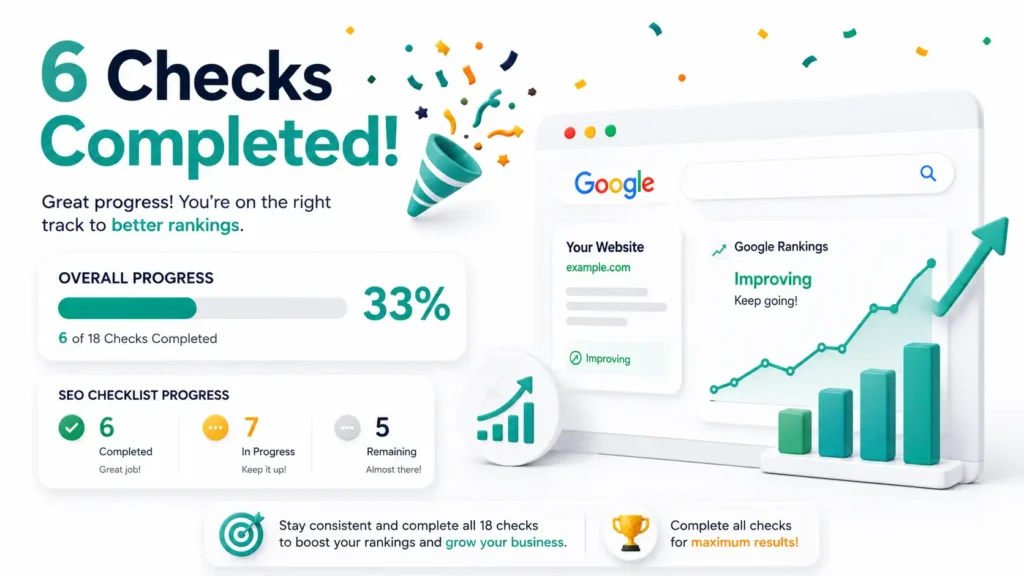
Reality Check
Six down, twelve to go. You’re already covering more website SEO checklist basics than most beginners ever get to.
7. Answer Customer Questions
Problem: Most websites talk about the business but never answer what customers are actually asking.
Why It Matters: Search engines and AI tools increasingly favor content built around real questions. Optimizing for Answer Engine Optimization (AEO) ensures your answers get picked up directly by AI assistants.
Quick Fix: List the 5 questions you get asked most, and answer each one on your site.
Do This Now: Add one FAQ section to your services or homepage this week.
8. Create SEO-Friendly URLs
Problem: URLs like “yoursite.com/page?id=4829” tell Google and users nothing.
Why It Matters: Clean URLs are easier to read, share, and rank.
Quick Fix: Keep URLs short, lowercase, and keyword-relevant, e.g., “/dog-grooming-austin/.”
Do This Now: Check your top 3 pages’ URLs and clean up any that look messy.
9. Add Internal Links
Problem: Pages sitting isolated, with no links pointing to or from them, are harder for Google to value.
Why It Matters: Internal linking helps Google understand your site structure and spreads authority between pages.
Quick Fix: Link relevant pages to each other using natural, descriptive text. Mastering your on-page SEO fundamentals ensures every internal link passes maximum ranking authority to your key service pages.
Do This Now: Add 2–3 internal links from your homepage to key service pages.
10. Link to Trusted Sources
Problem: Pages with zero outbound references can feel thin or unverified.
Why It Matters: Linking to credible sources builds trust signals for readers and search engines alike.
Quick Fix: Where relevant, link out to reputable industry resources.
Do This Now: Add one external link to a trusted source on your most-visited blog post.
11. Optimize Images
Problem: Unnamed files like “IMG_2938.jpg” with no alt text are a missed opportunity.
Why It Matters: Image SEO helps you show up in image search and improves accessibility.
Quick Fix: Rename image files descriptively and add alt text describing the image.
Do This Now: Fix the alt text on your homepage images right now. This shouldn’t take more than 5 minutes.
12. Improve Website Speed
Problem: Slow pages frustrate visitors and hurt rankings. This is a core piece of technical SEO basics.
Why It Matters: Pages taking longer than 3 seconds to load lose a large chunk of mobile visitors before they see your content.
Quick Fix: Compress large images, remove unused plugins, and enable caching.
Do This Now: Run your homepage through Google PageSpeed Insights and note your score.
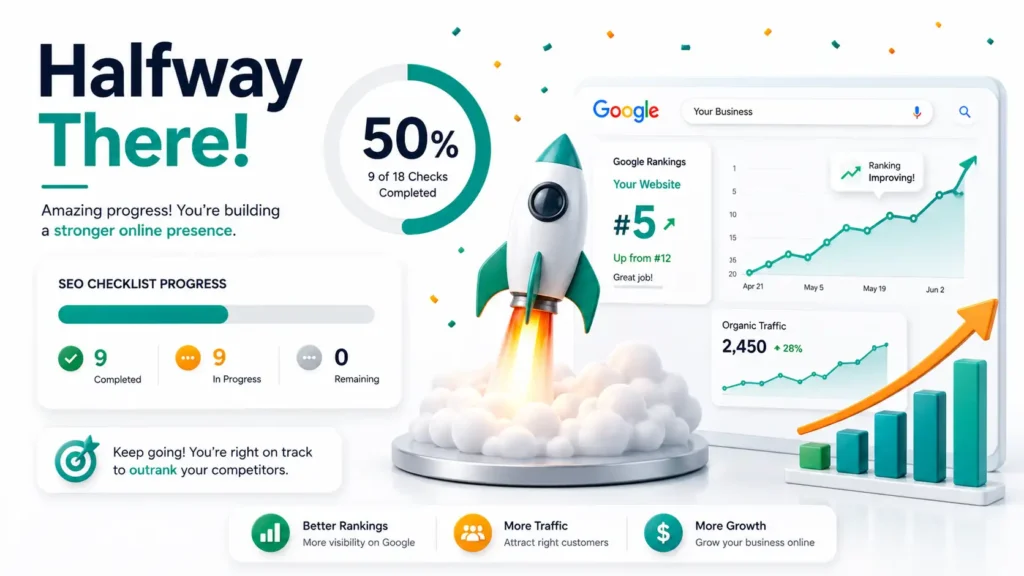
Reality Check
SEO is gradual, not an overnight fix, progress matters more than perfection. Halfway through means real momentum is building.
13. Mobile-Friendly Website
Problem: Sites that look great on desktop but break on mobile lose most of today’s searchers.
Why It Matters: Google uses mobile-first indexing, it primarily evaluates the mobile version of your site.
Quick Fix: Test your site on your own phone; fix anything cramped, cut off, or hard to tap.
Do This Now: Pull up your website on your phone and browse it as a customer would.
14. Check Google Indexing
Problem: A page that isn’t indexed can’t rank, no matter how good it is.
Why It Matters: If Google hasn’t crawled and indexed a page, it’s essentially invisible in search.
Quick Fix: Use Google Search Console to check which pages are indexed and request indexing for missing ones.
Do This Now: Search “site:yourwebsite.com” to see what’s currently showing up.
15. Optimize Google Business Profile
Problem: Many small businesses skip this entirely or leave it half-filled.
Why It Matters: For local SEO, your Google Business Profile is often the first thing people see. Pair it with a focused local SEO strategy to help nearby searchers find you through both text and voice search.
Quick Fix: Fill in every section: hours, categories, photos, services, and your website link.
Do This Now: Claim or update your Google Business Profile today if you haven’t already.
16. Track Organic Traffic
Problem: Without tracking, you’re guessing whether any of this is working.
Why It Matters: Organic traffic trends tell you what’s improving and what still needs attention.
Quick Fix: Check Google Analytics monthly and note which pages are gaining or losing visits.
Do This Now: Bookmark your Analytics dashboard so checking it becomes a habit.
17. Update Existing Content
Problem: Old pages with outdated info quietly lose rankings over time.
Why It Matters: Fresh, updated content signals to Google that your site is active and current.
Quick Fix: Revisit your oldest pages twice a year; refresh stats, examples, or offers.
Do This Now: Pick your oldest blog post and update one outdated fact.
18. Stay Consistent
Problem: Publishing once, then disappearing for six months, undoes a lot of earlier progress.
Why It Matters: SEO for small businesses compounds, consistent effort over months builds authority one-off bursts never will.
Quick Fix: Set a realistic, sustainable update schedule, even if it’s just once a month.
Do This Now: Block 30 minutes next week for one SEO task from this list.
Implementing a complete audit checklist takes time and ongoing technical maintenance. If you would rather focus on running your business while experts handle your search rankings, check out our professional SEO services for small businesses to get guaranteed, data-backed optimization.
What’s Your SEO Health Score?
Add up your points from the checklist above.
Score | Result |
16–18 | Excellent — you’re ahead of most small businesses |
11–15 | Good — a few key gaps to close |
6–10 | Needs Improvement — solid starting point, prioritize local + speed |
0–5 | Needs Immediate Attention — start with checks 1, 3, and 15 |
Wherever you landed, pick three improvements from this list to complete this week. That alone puts you ahead of most beginners who never get past reading the list.
5 Common SEO Mistakes Small Businesses Make
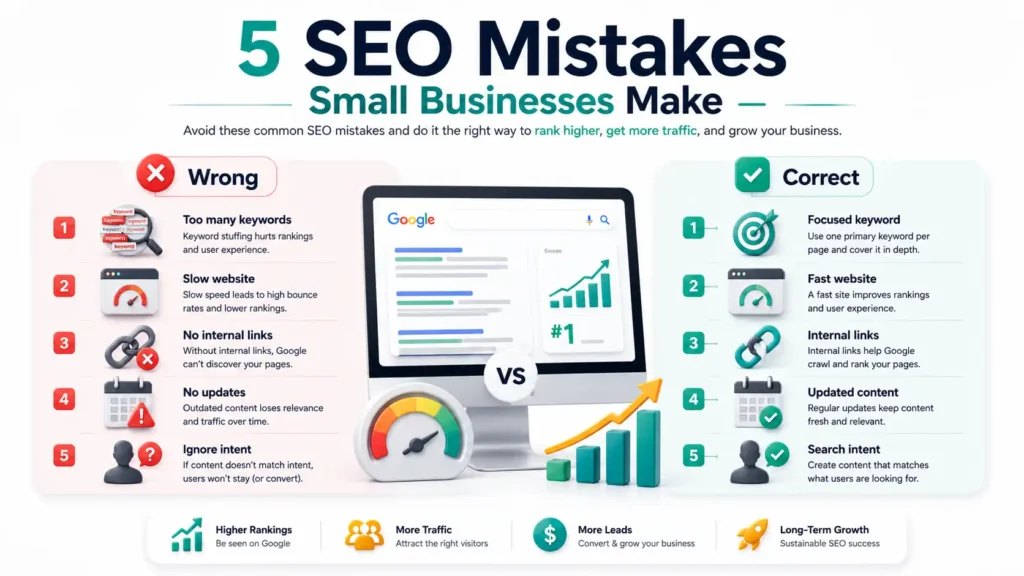
- Targeting too many keywords: One page trying to rank for everything usually ranks for nothing.
- Ignoring search intent: Writing what you want to say, not what people are actually searching for.
- Slow-loading websites: Even great content can’t overcome a page that takes forever to open.
- Missing internal links: Isolated pages make it harder for Google to understand your site.
- Never updating content: Publish-and-forget lets outdated pages quietly slip down the rankings.
5 Free SEO Tools Every Beginner Should Use
Tool | Purpose |
Google Search Console | See how Google views your site, fix indexing issues, and monitor search performance |
Google Analytics | Track visitor behavior, traffic sources, and conversions |
Google Keyword Planner | Find search volume and keyword ideas for your industry |
Rank Math | On-page SEO guidance directly inside WordPress |
PageSpeed Insights | Test and improve your website’s loading speed |
None cost anything, and together they cover almost every check on this list. For more budget-friendly tools, explore our full list of free marketing tools for beginners.
One Small Improvement Today Can Change Your Rankings Tomorrow
You don’t need to fix all 18 checks tonight. SEO for small businesses is a long-term process built through small, consistent improvements, not a single overnight overhaul.
Pick three items from this checklist. Fix them this week. Come back next month and pick three more.
That’s genuinely how small businesses without huge marketing budgets outrank bigger competitors over time. Combining these checklist fixes with a complete digital marketing plan for small business creates long-term organic growth.
If you’d rather have someone handle the technical side while you focus on running your business, that’s what we do at Digistir360, helping small businesses turn a basic website into one that actually brings in customers. When you’re ready for that kind of support, we’re here.
Frequently Asked Questions
Q. What is an SEO checklist?
A. An SEO checklist is a structured list of actionable tasks like fixing titles, speeding up your site, or claiming your Google Business Profile that together improve how your website ranks in search.
Q. Can beginners do SEO?
A. Yes. Most SEO basics, like better titles, alt text, and a complete Google Business Profile, don’t require technical skill, just consistency.
Q. How do I improve my website SEO?
A. Start with clear titles, one keyword per page, a fast and mobile-friendly site, and a fully optimized Google Business Profile if you serve local customers.
Q. What are the basic SEO steps?
A. Keyword research, on-page optimization (titles, headings, content), technical basics (speed, mobile-friendliness, indexing), and local SEO, roughly the order this checklist follows.
Q. Is SEO free?
A. Yes. Search Console, Analytics, and PageSpeed Insights cost nothing. What you’re really investing in is time.
Q. How long does SEO take?
A. Most small businesses see meaningful movement within 3 to 6 months of consistent effort, though Google Business Profile improvements can show up faster.
Q. Which SEO task should I complete first?
A. Optimize your Google Business Profile. For local searches, it’s often what decides whether a customer finds you at all.