
If you’ve just launched a website or blog and you’re wondering, “How do I get on Google?”—you’re not alone.
“When I published my first blog, it got 17 views in 3 weeks — and 12 of them were mine. SEO changed that.”
This Beginner SEO Guide will walk you through exactly how to rank on Google , even if you’ve never touched SEO before.
Whether you’re a small business owner, blogger, or side-hustler, this guide is written for real humans—no jargon, just results.
If you’re completely new to the online world, it helps to understand how all digital channels work together before diving deep into SEO. This beginner-friendly digital marketing blueprint breaks down the bigger picture and shows how SEO fits into a complete growth strategy.
This beginner SEO guide focuses on practical steps that actually help new websites grow visibility and traffic.
Table of Contents
🔑 What Is SEO (And Why You Need It)
Search Engine Optimization (SEO) is the process of improving your website so it shows up when people search on Google.
Let’s say someone types:
- “Beginner SEO guide”
- “how to rank on Google”
- “SEO basics 2025”
You want your site to appear at the top—and this article will show you how.
Also, if you’re a local business, don’t miss these simple and proven tips to boost your local SEO. It’s packed with actionable insights that complement what you’re about to learn here.
📘 SEO Basics You Must Know in 2025
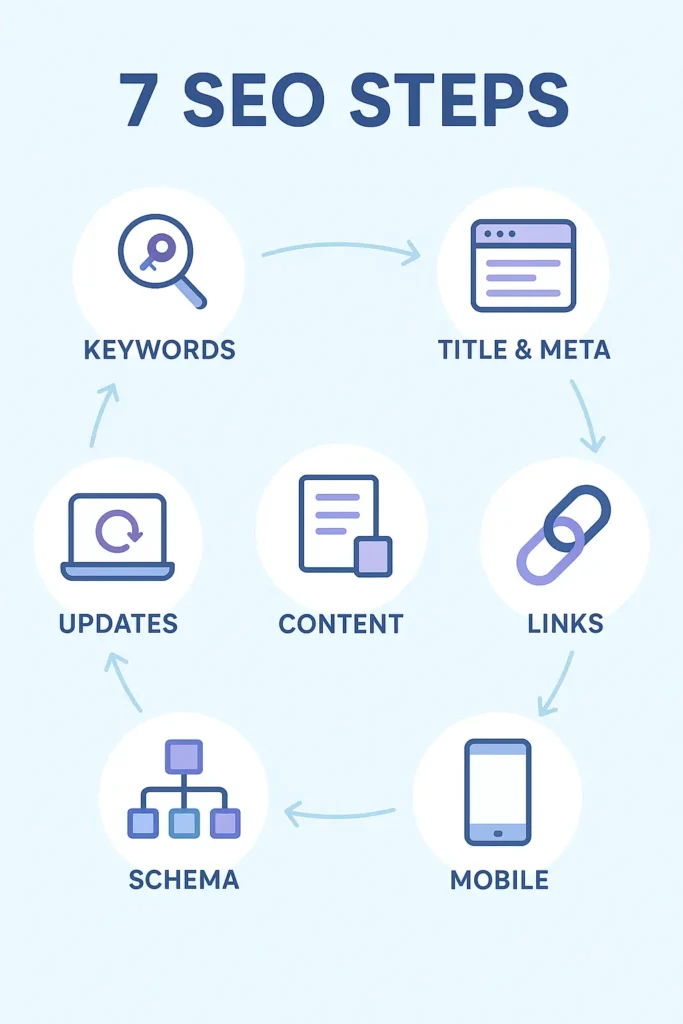
1. 🧠 Use the Right Keywords
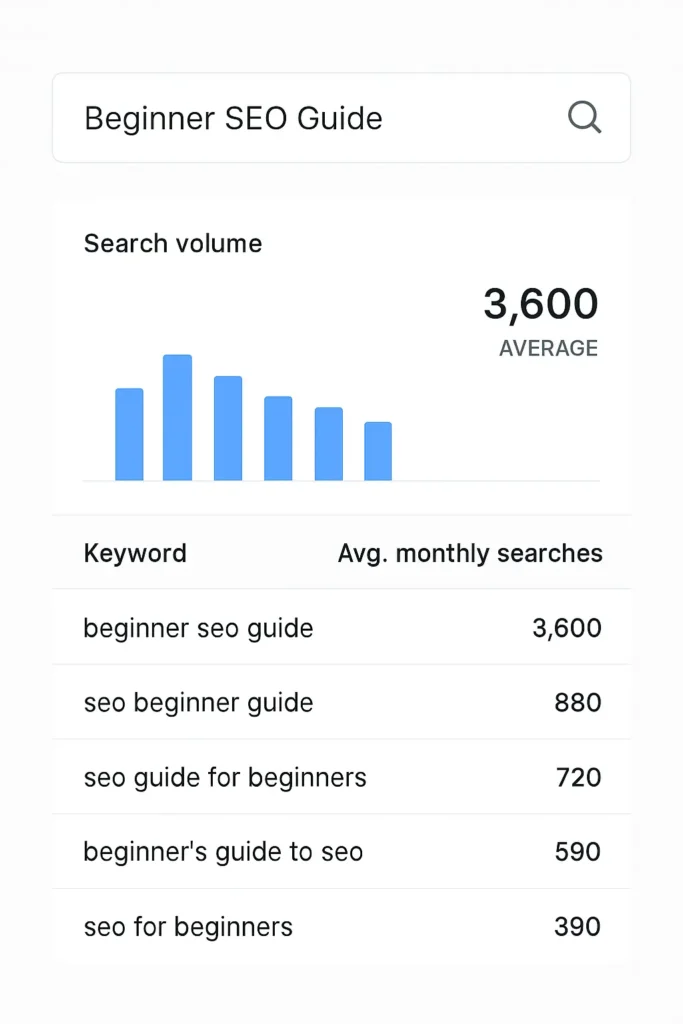
Think of keywords as search terms your audience types into Google. For example:
- Beginner SEO guide ✅
- How to rank on Google ✅
Use your focus keyword naturally in:
- The title
- The first 100 words
- Headings
- Meta description
- Image alt text
- The conclusion
🛠 Tools like Ubersuggest or Google Keyword Planner help you find low-competition, high-intent keywords.
Keyword research becomes even more powerful when you know how to structure your content correctly. A well-planned blog layout helps search engines and readers understand your content faster, which directly impacts rankings.
2. 🏷️ Optimize Your Title and Meta Description
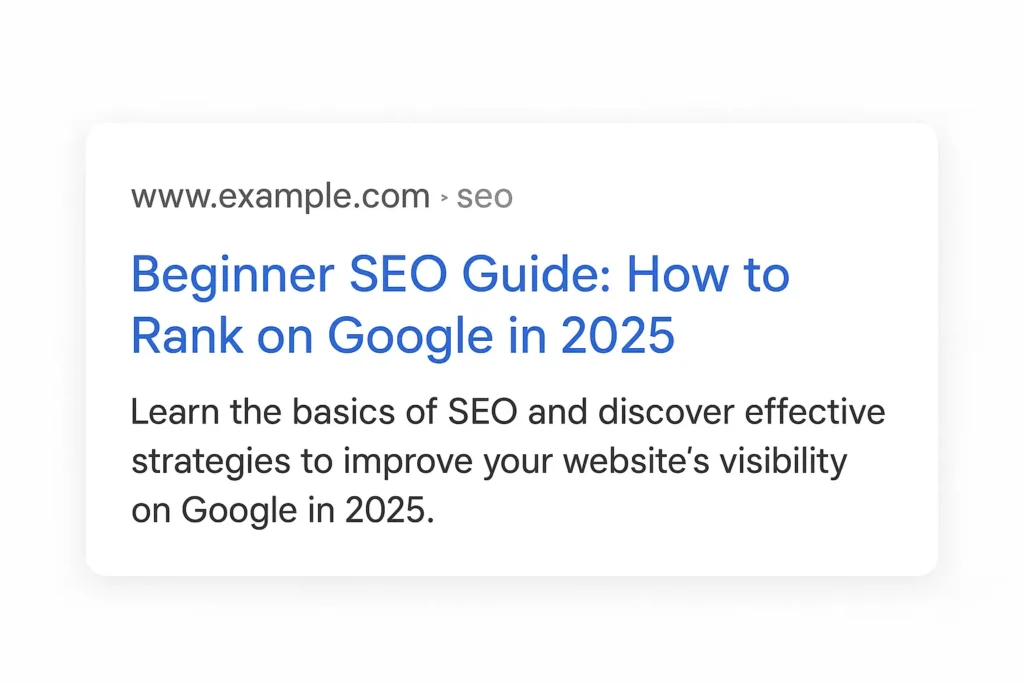
Your title and meta description are what users see first in search results. Make them irresistible.
Example:
SEO Title: Beginner SEO Guide: How to Rank on Google in 2025
Meta Description: Learn how to rank on Google with this beginner SEO guide. Easy tips on keywords, titles, content, and more!
🟢 Rank Math Tip: Make sure the keyword appears at the start of the title and once in the meta description.
3. 📝 Write Quality, Helpful Content
Google’s algorithm now favors:
- Helpful content written for humans
This shift is closely tied to how modern search engines evaluate answers, not just keywords. Understanding Answer Engine Optimization (AEO) can help your content appear more prominently in featured snippets and AI-driven search results. - Well-structured answers
- Unique perspectives and experiences
✅ Answer real user questions
✅ Use short paragraphs and subheadings
✅ Include images, bullet points, and examples
Want to know why content is still king for small businesses? This post explains exactly how consistent blogging drives SEO:
https://digistir360.com/free-marketing-tools-beginners/
Avoid keyword stuffing. Instead, sprinkle related phrases like:
1.SEO basics
2.Ranking on Google
3.On-page SEO for beginners
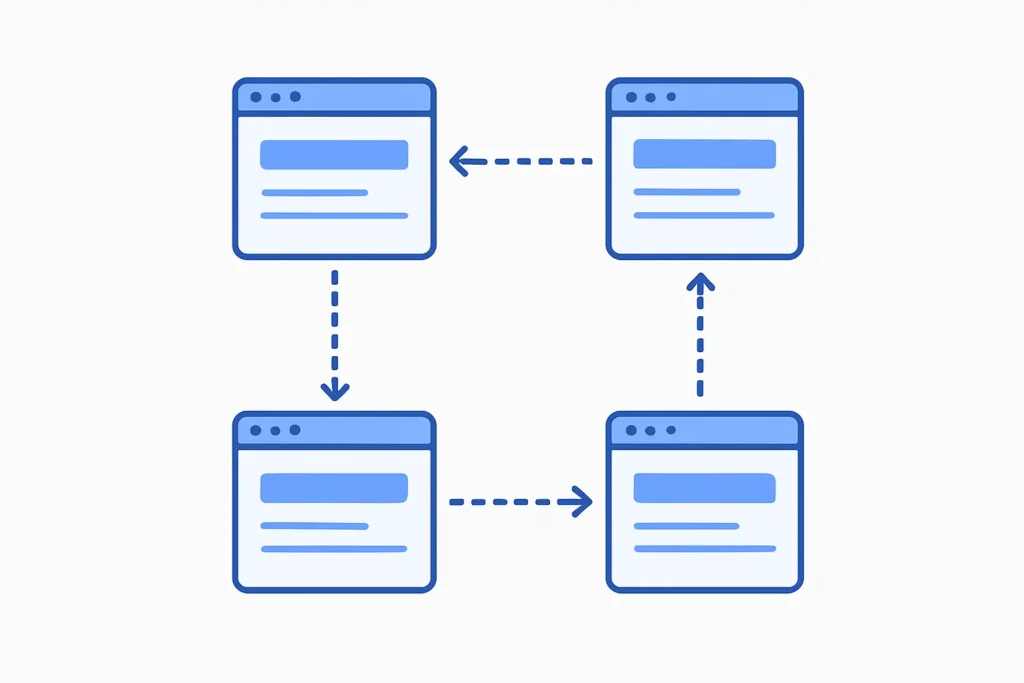
4. 🔗 Internal and External Linking
Don’t just write your blog post and forget it—link it!
- Link to other helpful articles on your site (like this: how to set up a Facebook Business Page)
- Link to reputable sources like Google Search Central
- Link to topic-relevant blog posts (like this one on Google Ads for small businesses)
This helps Google understand your content better and increases your authority.
5. 📱 Make It Fast and Mobile-Friendly
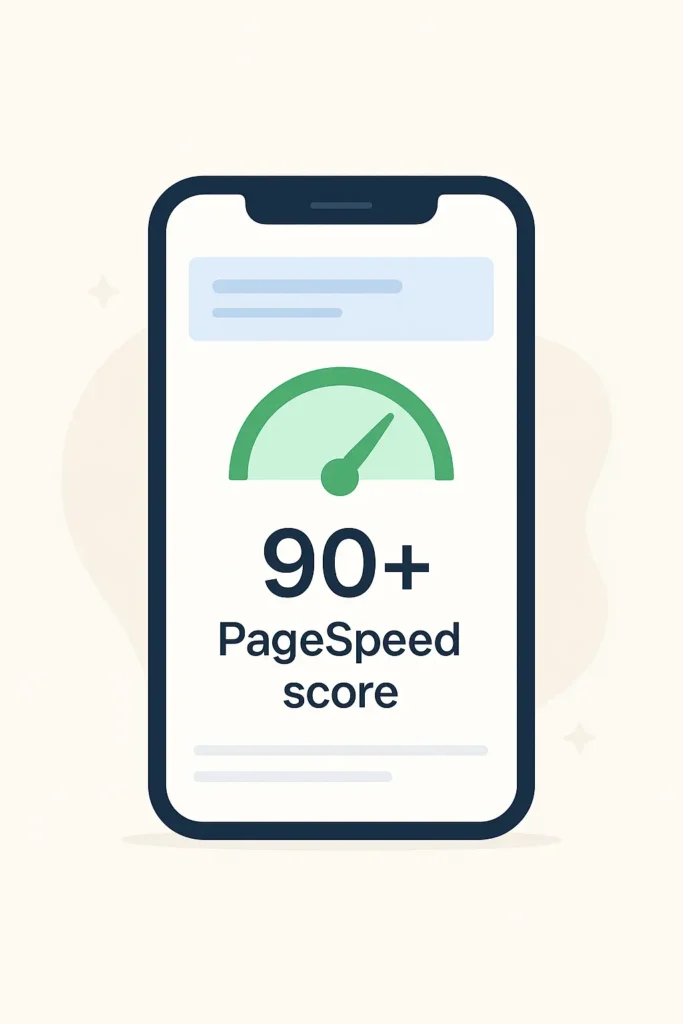
Google uses mobile-first indexing, so make sure your site:
- Loads in under 3 seconds
- Is mobile responsive
- Uses clean, modern fonts and layouts
You can test your site with Google PageSpeed Insights.
6. 🧩 Add Schema Markup (Optional but Powerful)
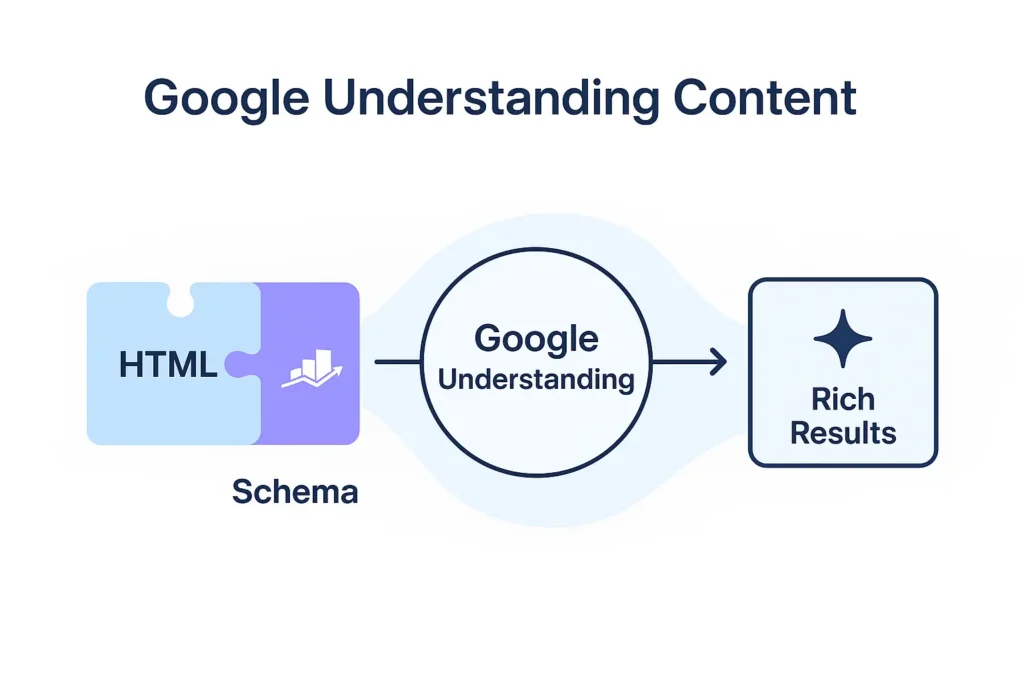
Using Schema (structured data) helps Google better understand your page. Rank Math can automatically add schema for blog posts—make sure it’s turned on.
7. 🔄 Update Content Regularly
Fresh content signals Google that your site is active. Add updates to existing posts, refresh stats, or improve sections for better clarity.
Bonus: this keeps your article ranking longer!
📈 How to Rank on Google
To sum it up, here’s how to rank fast:
| SEO Element | What to Do |
|---|---|
| Focus Keyword | Use “Beginner SEO Guide” throughout naturally |
| Title Tag | Start with keyword + hook |
| Meta Description | Add keyword + compelling reason to click |
| URL Structure | Keep it short: /beginner-seo-guide/ |
| Content | Helpful, engaging, well-formatted, and original |
| Internal Linking | Link to other Digistir360 blog posts |
| Alt Text | Use your keyword in at least 1 image alt text |
| Schema | Use Rank Math’s blog post schema |
“If you do just these 7 things, you’re already ahead of 80% of new websites.”
❓Frequently Asked Questions (FAQs)
1.What is the easiest way to start SEO as a beginner?
Start by researching keywords your audience is searching for, and optimize your blog titles, content, and meta descriptions. Tools like Rank Math and
Uber suggest can guide you step-by-step.
2.How long does it take to rank on Google?
It usually takes 3 to 6 months depending on your niche, content quality, backlinks, and competition. SEO is a long game, but worth it.
3.Do I need to buy tools to do SEO?
Not at all. There are many free tools like Google Search Console, Google Keyword Planner
4.Can I do SEO on a brand-new website?
Yes! In fact, it’s best to start early. Follow a beginner SEO guide,
set up Rank Math, create helpful content, and stay consistent.
5.Should I hire someone or do it myself?
If you’re a beginner or on a budget, start with DIY. As your traffic and income grow, consider hiring help for technical SEO and advanced strategies.
📌 Most Read on Digistir360
By following this beginner SEO guide, you build a strong foundation that supports long-term rankings and organic growth.
🙌 Final Thoughts
SEO isn’t about gaming the system—it’s about creating helpful content that real people love.
When you combine that with smart keyword use, optimized titles, and fast-loading pages—you’re well on your way to the first page of Google.
“Every website you admire today once started with zero traffic. Yours can too.”
Start today. Stay consistent. And bookmark Digistir360 for weekly growth tips, tools, and strategies that actually work.